VR
BUILT FOR QUEST 3.
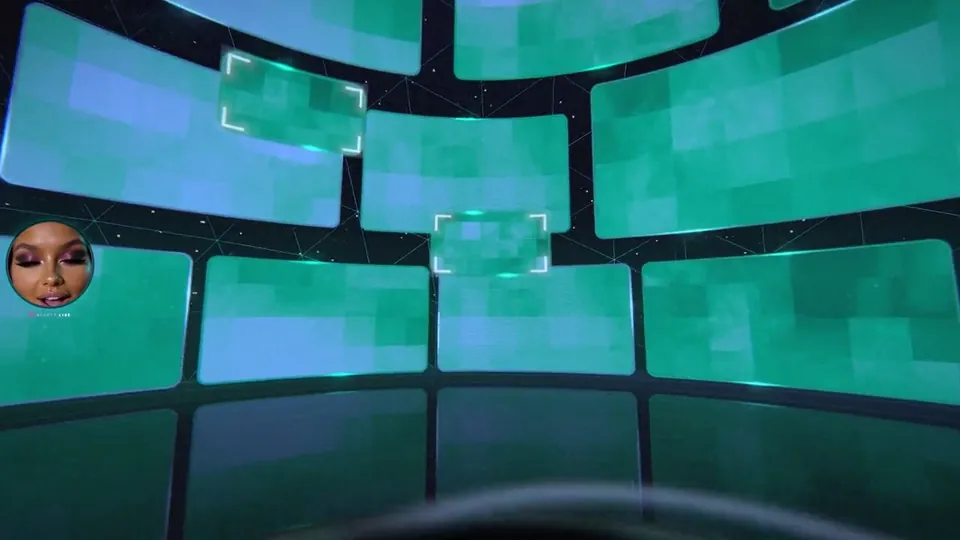
Put the headset on and the Dome is all around you. No app store and no install: it runs in the Meta Quest Browser.
YOU ARE IN A VR-READY BROWSER. Tap ENTER THE DOME, then open FX and choose VR HEADSET.
GET IN
FOUR STEPS TO THE DOME.
Put on your Quest 3 or 3S and open the Meta Quest Browser.
-
Go to room.goondome.com/room (bookmark it).
room.goondome.com/room
Tap ENTER, open FX, and under VR choose VR HEADSET.
Headphones on, or turn up the Quest speakers. Sit back.
CONTROLS
FIVE BUTTONS. TOTAL CONTROL.
Everything you need is under your fingers, so your eyes never leave her.
- TRIGGERPoint at a screen to make it the big one, or at Dekota for her next clip.
- SQUEEZE / GRIPHide or show the stroker.
- A / XLET ME CUM: start her countdown.
- B / YClose-ups: 3, then 5, then 7 spinning round you, then off.
- THUMBSTICK CLICKLIVE TALK on or off.
Recording works in the headset too. The note under FX > VR in the Dome always lists the controls that are live.
NO HEADSET?
YOUR PHONE IS A HEADSET.
Put your phone in a cardboard-style viewer: FX > VR > PHONE VR VIEWER. Double-tap to leave. Or just move your phone to look around.
OPEN THE DOMECOMFORT + SAFETY
Seizure warning. The Dome contains flashing lights and fast cuts that may trigger seizures in people with photosensitive epilepsy. If you have epilepsy or have had a seizure, don't use the Dome. Turn on CALM VISUALS (in FX) to reduce flashing, glitches and fast cuts.
Play seated with your boundary (Guardian) set, take breaks, and stop straight away if you feel dizzy, sick or unwell.
Brainwave tones are for immersion only: skip them if you have epilepsy or a seizure disorder, a heart condition or a pacemaker, and never use them while driving.
MIXED REALITY IS NEXT.
The plan: the Dome's screens open up inside your own room through passthrough, so she is standing at the foot of your bed. It is not built yet. The day it lands, it goes in the changelog.
TELL US WHAT YOU WANT IN ITHELP
OTHER HEADSETS + TROUBLESHOOTING
Other headsets?
Pico, Apple Vision Pro and PC VR in a WebXR browser may work but have not been tested. Tell us how it goes.
Quest 2 or Quest Pro?
They use the same Meta Quest Browser, so the Dome may run, but we build and test on Quest 3 and 3S. If it stutters, set QUALITY to LOW under FX.
VR HEADSET says LOOKING FOR A VR HEADSET...
Use the Meta Quest Browser (not a desktop browser), update it, and reload the page.
It says VR IS BLOCKED INSIDE THIS WINDOW?
The Dome was opened inside another page or app. Open room.goondome.com/room in its own tab in the Meta Quest Browser.
No sound?
Tap the screen once. Browsers only play sound after a tap.
LIVE TALK can't hear me?
Allow the microphone for room.goondome.com in the browser's site settings.
Still stuck? Open the support chat and a real person will help.